OmniMES 5.0 has been available since 22 November. This release tidies up day-to-day work in the plant: orders, failures and alarms are handled in one system, and the installation itself is more secure and easier to maintain.
What the plant gains
One place for orders. The Production module replaces the old list of orders. Orders from the ERP go straight into it, and production reports go back to the ERP together with operators' working time. Managers see at once which orders are late and which reports did not reach the ERP. The production calendar shows what is happening on the shop floor and what is planned, and the what-if planner compares up to five versions of the plan (for example a machine stop or an extra shift) before anything changes.
Maintenance from failure report to repair. The operator reports a failure from the panel at the machine, with a photo if needed. The manager creates a work order for a technician, the technician records time, parts and the cause, and production confirms the repair. Inspection orders are created automatically, by calendar or by running hours counted from machine signals. MTBF and MTTR come from real failure reports, and the Maintenance cost report shows what this work costs.
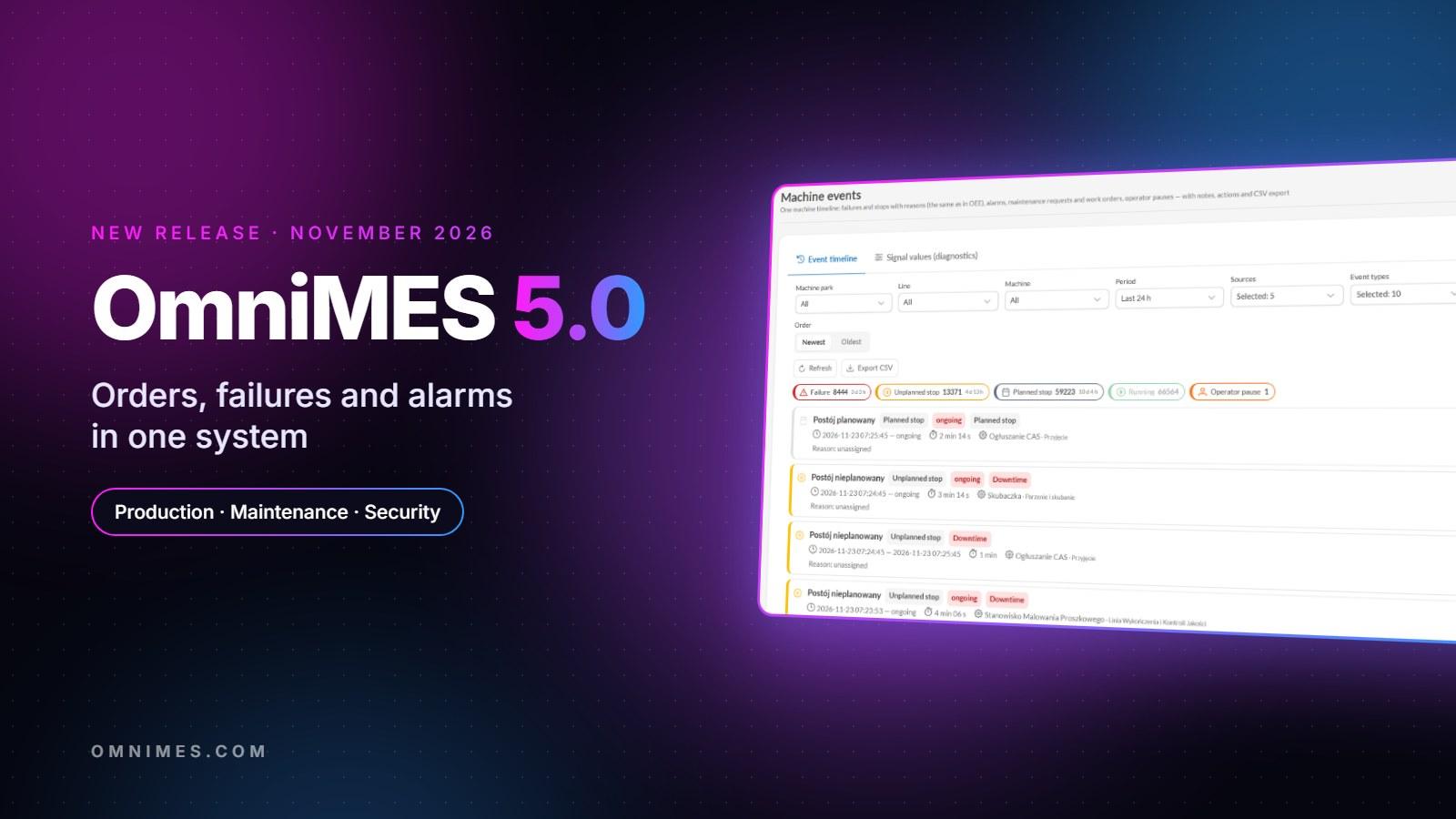
A machine's history in one view. The Machine events screen puts failures, stops, alarms and maintenance work orders on one timeline. A note on a failure ("what happened, what was done") also shows up in the OEE analysis and on the machine card, and the No note filter gives a ready list for the shift handover.
Alarms that reach the right people. Rules cover machines, signals, energy, maintenance and the health of the system itself. Notifications go to the app, email, Microsoft Teams and Slack, and an unhandled alarm moves up to the next escalation level.
Energy under control. OmniEnergy warns when consumption drifts from the EnPI baseline. The new Energy and machine states report shows energy used outside production time, its cost and CO2 emissions for selected machines.
AI that stays within permissions. AI features are configured in one place: Claude, any OpenAI-compatible API or a local Ollama when data must not leave the plant. The AI assistant sees and changes only what the user it acts for can, every change is written to the Event log, and the administrator can require approval before changes are made.
Security and business continuity
Version 5.0 is also our response to the Cyber Resilience Act (CRA):
- Access protection: account lockout after failed sign-ins, stronger passwords, expiring sessions and a separate database account for each service.
- Secure machine communication: an MQTT broker with per-device accounts and TLS encryption. A gateway publishes only in its own group and cannot send commands to machines.
- Backups you can restore: a daily encrypted backup, optionally off the server (SFTP or S3), with an automatic monthly restore test.
- Updates without risk: if something goes wrong, the system returns to the previous version on its own.
- Transparency: every release ships with a software bill of materials (SBOM) and a vulnerability scan, and the new Administrator guide describes secure start-up and operation.
The system is faster, too. In our tests the latest signal values load in 0.29 s instead of 22.6 s, a dashboard snapshot takes 10.5 s instead of about 5 minutes, and when the database connection drops, machine data waits in a buffer instead of being lost.
Moving to 5.0
We update installations maintained by our service team and OmniMES cloud instances ourselves, in an agreed maintenance window. Before the update it is worth:
- marking shop-floor tablets and PCs as kiosk accounts, so they stay signed in;
- checking MQTT devices that publish data outside Sparkplug B;
- choosing who receives maintenance notifications.
The old list of orders and the old schedule are gone, and their addresses lead to the Production module. Teams that maintain their own installation will find the procedure in the Installation chapter (section 8.2).
The full list of changes is on the Changelog page, and the modules are described in the documentation. Want to see 5.0 on your own data or plan the update? Get in touch.